Leaving Ancillary Revenue on the Table: Automate Seat and Baggage Pricing
Paid seats and baggage are no longer just add‑ons — they are a material part of agency profitability. But most travel sellers still use flat markups or manual pricing that doesn’t account for route demand seasonality, cabin class, or which agent is handling the booking. The Ancillary Pricing Engine in the Iris portal lets you set pricing rules for Paid Seats and Paid Baggage that apply automatically – regardless of who services the booking or when.
Why Manual Ancillary Pricing Breaks Down
Ancillaries such as paid seats, meals, WIFI, lounge access and paid baggage are among the most frequently purchased extras in air travel. However, many agencies still apply flat or manual pricing approaches that fail to account for:
- Route and seasonality
- Cabin class and fare type differences
- Supplier agreements and commercial terms varying by airline
- Customer booking behaviour (pre‑payment vs post‑payment) / head office vs sub-agent?
Without a structured ancillary pricing strategy, revenue leaks quietly.
What the Ancillary Pricing Engine Enables
Using Ancillary Pricing Engine , travel sellers can define pricing rules based on:
- Route
- Airline
- Seasonality
- Cabin class
- Fare type
Once configured, markup applies automatically whenever those ancillaries are added. You set the strategy a single time and it applies everywhere.
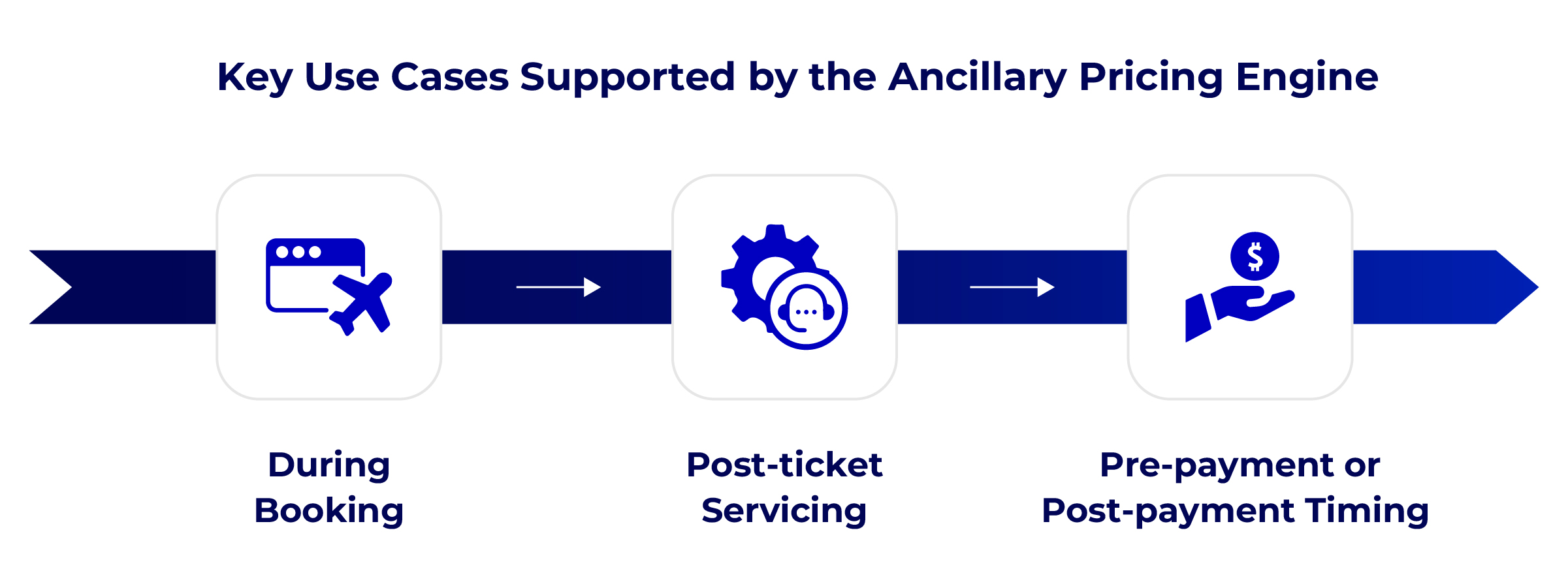
Key Use Cases Supported by the Ancillary Pricing Engine
The engine supports multiple real‑world scenarios across the booking lifecycle, including:
1. During booking
- customer adds seats or baggage at initial purchase
- Ancillaries added during book-and-hold
2. Post-ticket servicing
- Customer adds baggage or changes seats after ticket issuance
3. Pre-payment or post-payment timing.
- In all cases, your configured pricing rules apply automatically.
- Filter pricing rules on the main list page or export them as Excel for auditing and internal review.
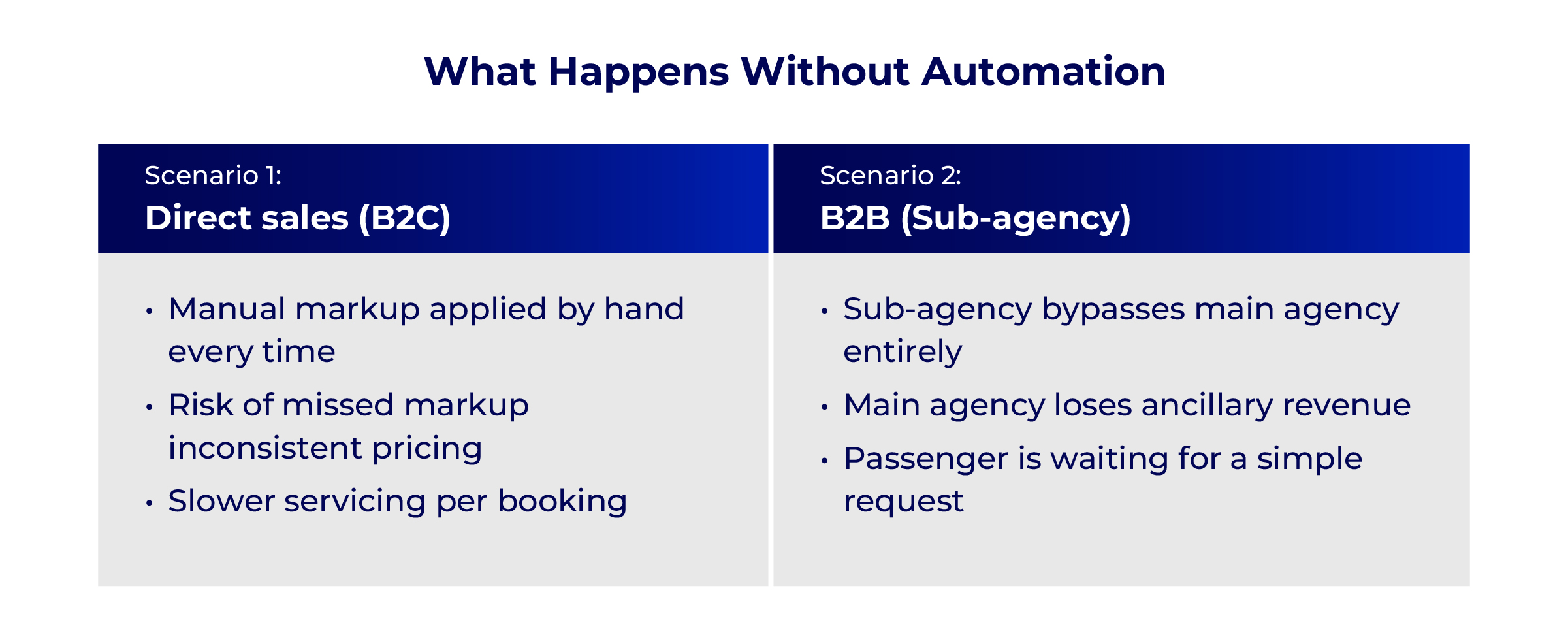
What Happens Next (Without Automation)
After ticket issuance, the passenger later decides to:
- Add extra baggage
- Select paid seats
This is where problems typically begin.
Scenario 1: Direct Sales (B2C)
- The travel agent manually services the booking
- Paid baggage and seat selection are added
- The agent manually applies a markup
❌ Risks:
- Manual errors
- Inconsistent pricing
- Missed markup opportunities
- Time-consuming servicing
Scenario 2: B2B Sales (Sub‑Agency Model)
- The ticket was issued by a sub‑agency
- Passenger contacts the sub‑agency for ancillary services
- Sub‑agency must:
- Request the main agency to service the booking
- Or log into the airline website and add ancillaries directly
❌ Risks:
- Main agency loses ancillary revenue
- No consistent markup applied
- Delays in assisting the passenger
- Revenue leakage due to lack of automation
- Poor customer experience
This is a very common issue in B2B distribution models.
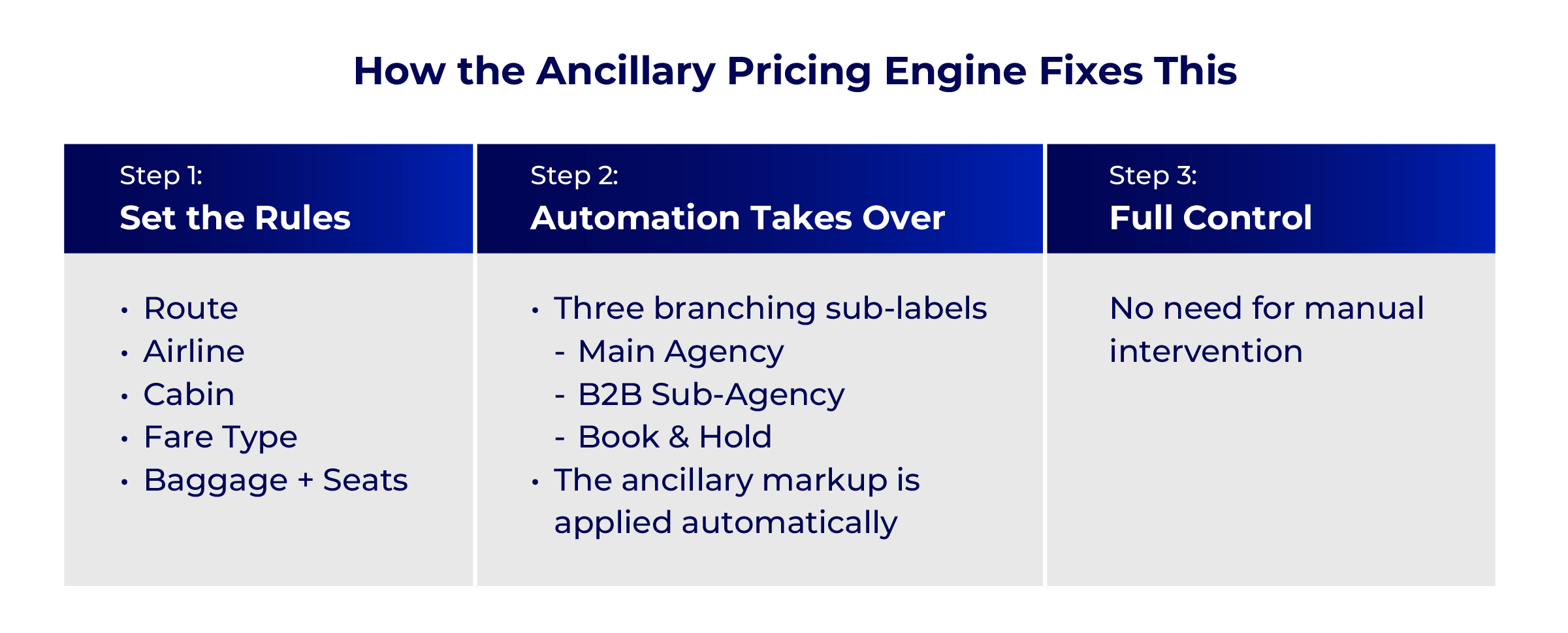
How the Ancillary Pricing Engine Fixes This
With the Ancillary Pricing Engine, both B2C and B2B scenarios are fully automated.
✅ Step 1: Main Agency Creates Pricing Rules
The main travel seller (administrator agent) configures Ancillary Pricing Engine rules in the Iris Portal for:
- Paid baggage
- Paid seats
Rules can be defined based on:
- Route (e.g. SIN–SYD)
- Airline (JQ)
- Cabin class
- Fare type
✅ Step 2: Automation Takes Over
Once rules are set:
- Any time ancillary services are added after ticket issuance
- Whether by:
- Main agency reservation team
- B2B sub‑agency
- During book‑and‑hold
- Pre‑payment or post‑payment
👉 The ancillary markup is applied automatically
No manual intervention required.
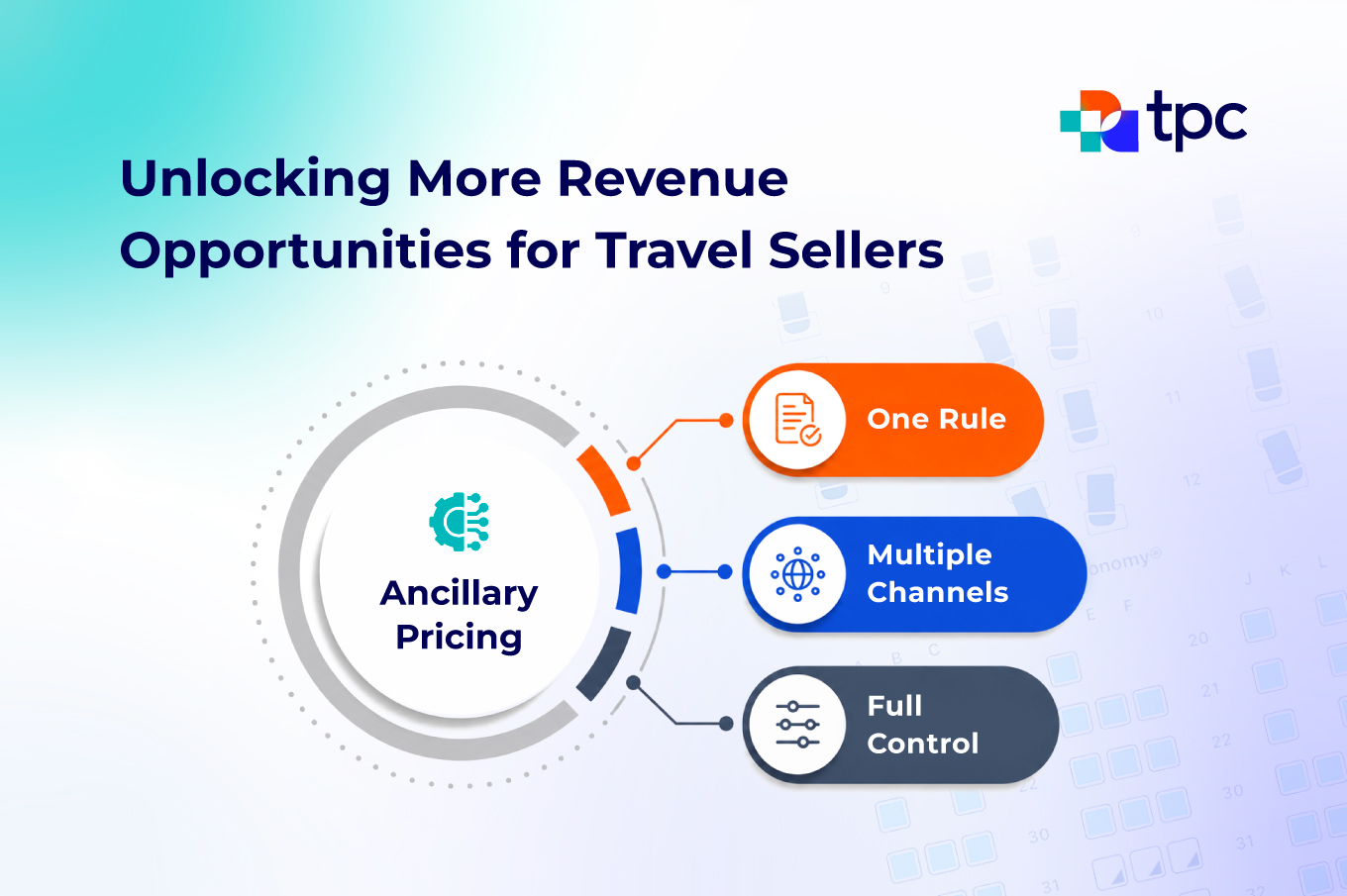
✅ Result: One Rule, Multiple Channels, Full Control
Key Business Benefits from This Automation
Implementing ancillary pricing rules consistently, even when sub-agents service bookings independently
📈 Revenue Protection & Growth
- No lost markup on paid seats or baggage
- Consistent monetization of post‑issuance servicing
⚙️ Operational Efficiency
- No back‑and‑forth between sub‑agency and main agency
- Faster passenger servicing
- Faster updates without system complexity
- Reduced manual workload
🔒 Pricing Control & Consistency
- Centralized rules defined once
- Applied everywhere automatically
- Fully aligned with supplier agreements
📊 Actionable Reporting & Data Visibility
- Markups captured in order and payment data
- Flow into downstream reports for tracking and optimization
🚀 Next Steps
If you want to see how ancillary pricing rules work for your specific setup, request a walkthrough.
Or if you’re already using Iris Portal, explore the Ancillary Pricing Engine